11 min read
Build vs Buy CRM: Should You Vibe Code Your Own System?
Build vs buy CRM: weigh vibe coding's speed against security, upkeep, and reliability, then decide whether to build, buy, or integrate for your small business.
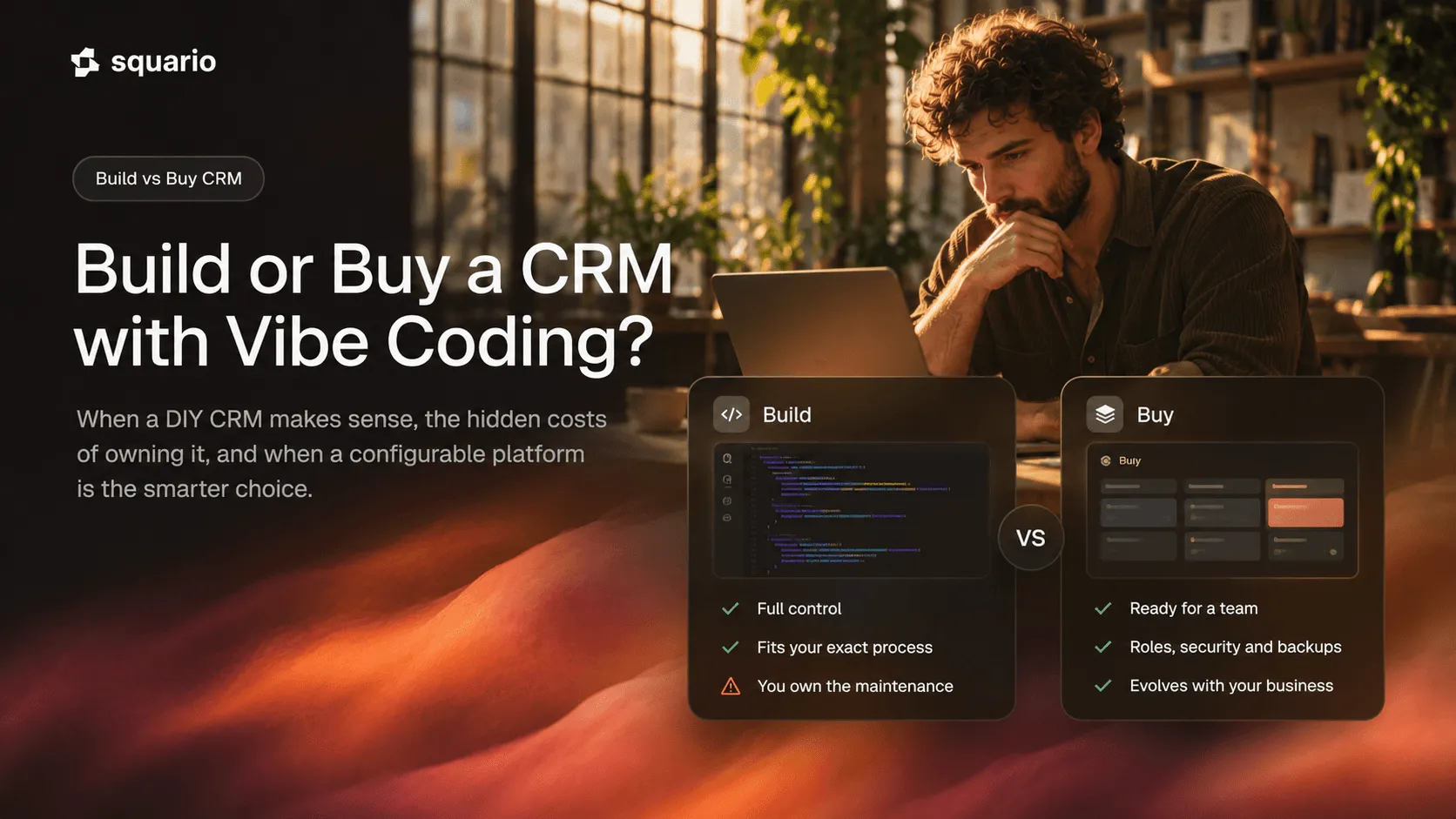
Founders ask me some version of the same question every month: with AI coding tools this good, why pay for a CRM at all? The build vs buy CRM debate used to be about budgets and developer headcount. Now a non-developer can describe a pipeline in plain English and get a working app by the evening.
I have been on both sides. I ran a software agency that built custom CRMs and ERPs for small and mid-sized businesses, and later stopped to build Squario, a product in the same space. This article is the honest answer I give founders over coffee, not a pitch against building.
Why Vibe Coding a CRM Feels Like the Obvious Choice
The appeal is real, and it is not naive. Most of the reasons people give for building are legitimate pain points with off-the-shelf software.
It fits your exact process
Generic CRMs assume a generic sales motion: lead, opportunity, closed won. If you run a distribution business with quote revisions, a made-to-order shop with change requests, or a consulting firm that tracks projects alongside deals, that model feels cramped. Describing your own process to an AI and seeing it appear as screens is a powerful experience.
No per-seat pricing
Seat-based pricing adds up, and every extra field, workflow or report tier can push you into a more expensive plan. A self-built tool looks free once the first version works. That comparison is tempting, though it only counts the cost of writing the code and ignores the cost of owning it.
It feels fast
The first 80 percent of a CRM arrives astonishingly quickly: contacts table, deal board, a few forms, a dashboard. That speed is not an illusion. The trouble is that the remaining 20 percent contains most of what makes a system trustworthy.
When Building a CRM Makes Sense, and When It Doesn't
I do not think building is always a mistake. In my agency years, the projects that went well had something in common: the client knew precisely why a standard tool would not work. Here is when I would say go ahead.
Cases where vibe coding is a good idea
- You are a solo founder or a team of two, so permissions, onboarding and shared data discipline barely matter yet.
- You have one very specific workflow, such as tracking inbound partnership requests through a custom approval path, that no standard pipeline models well.
- You want a prototype to clarify requirements. Building a rough version is one of the cheapest ways to discover what you actually need before you commit to anything.
- Someone technical is in-house and will still be there in two years to fix, update and extend it.
The prototype case is the one I recommend most often. A weekend build teaches you which fields matter, which stages are fictional and which reports you really open. That knowledge is valuable whatever you decide next.
Cases where it usually goes wrong
Trouble starts when the tool stops being an experiment and becomes the system of record. That happens the moment a second or third person depends on it, when customer data lives only there, or when invoices and delivery dates flow through it. At that point you are not running a side project anymore. You are running a software product with one unpaid, part-time engineering team.
The Hidden Costs of Owning a Custom CRM
Almost none of these costs show up in a demo. Each is manageable alone, but together they explain why many custom CRMs I inherited were quietly abandoned. The most useful way to judge them is to ask who is responsible for each one on a bad day.
User roles and permissions
A prototype usually has one kind of user: you. A real team needs sales reps who see only their accounts, a manager who sees everything, an assistant who can edit contacts but not export them, and a contractor with temporary access. Permissions are tedious to design and dangerous to get wrong, and AI-generated code often enforces them in the interface but not in the data layer.
Authentication and account security
Login looks simple until you need password resets, session handling, multi-factor authentication, invitations, and a clean way to remove a departed employee the same day. Each of these is a place where an unnoticed mistake exposes customer records. Established platforms spend entire teams on this, and you inherit that work only when you buy.
Backups and recovery
Ask a simple question: if the database vanished tonight, how fast could you restore yesterday's data? Many self-built tools have no tested answer. A backup you have never restored is a hope, not a plan, and a CRM holds the relationships your revenue depends on.
Data security and privacy obligations
Customer data brings obligations. Depending on who your customers are, you may face state privacy laws in the United States, or GDPR if you serve people in Europe. That means knowing where data is stored, being able to export or delete a person's records on request, and keeping an audit trail of who changed what. Those are not features an AI adds unless you know to ask for them.
Edge cases
Real businesses are full of exceptions: duplicate contacts, a customer who is also a supplier, a deal that gets split in two, a currency change, a record merged by mistake. Standard CRMs have met most of these thousands of times. Your custom build meets each one for the first time, usually in front of a customer.
Automations that break
Automation is where custom tools shine at first and betray you later. A reminder email fails silently, a webhook changes format, a field rename breaks a rule, and nobody notices for three weeks. Reliable automation needs logging, retries and alerts, which are boring to build and invisible until they matter.
Hosting and AI costs
Self-built does not mean free. You pay for hosting, a database, email sending, storage and monitoring, and if the tool has AI features inside, you pay usage costs that grow with your team. Add the time spent on each fix, since your time has a price even if no invoice arrives.
Maintenance when the builder leaves
This is the cost that sinks most projects. Code generated through conversation often lacks documentation, consistent structure or tests, and only the person who prompted it understands why it behaves as it does. When that person changes roles or leaves, the company is left with a tool nobody dares to touch. I have been hired to rescue exactly this situation more than once, and a rewrite was often cheaper than repair.
A CRM is not finished when it works. It is finished when someone other than its author can safely change it.
Build, Buy, or Integrate: A Practical CRM Decision Framework
The honest answer to build vs buy CRM is that there is a third option, integrating or configuring, and it is often the best one. A useful rule: buy when your complexity lives in the sales process, and build when it lives in your data, workflow or access rules. A standard sales motion with standard stages is a solved problem. A business whose core record is unusual, such as a custom order, a multi-party project or an inventory-linked quote, is where rigid tools struggle.
Ask these questions first
- How many people will use it daily, and do they need different levels of access?
- Does it hold data you are legally or contractually responsible for?
- Is your main record something standard tools model badly, or is it just a deal?
- Who maintains it in 18 months, and what happens if they are unavailable?
- What does an hour of downtime cost you?
How the three options compare
| Factor | Vibe code it | Buy standard CRM | Configurable platform |
|---|---|---|---|
| Fit to unusual process | Highest, if you specify well | Often limited | High, within the platform's model |
| Security and permissions | Yours to design and test | Provided and maintained | Provided and maintained |
| Backups and uptime | Your responsibility | Vendor's responsibility | Vendor's responsibility |
| Maintenance burden | Entirely on you | Low | Low to moderate |
| Best for | Prototypes, solo use, narrow tools | Standard sales motion | Teams with specific processes |
A middle path: integrate
Integration means keeping a standard CRM for contacts and deals and attaching small custom tools for the one workflow that truly differs. This keeps the risky shared foundation off your plate while still giving you control where it counts. The caveat is that every connection is another thing to monitor, so keep the number of moving parts low.
Where your data model fits in
Most requests for a custom build are really requests for a different data model: different objects, different relationships, different fields. If that is your situation, look at how a platform handles custom data models for CRM records and workflows before writing any code. If you can describe your objects and the platform shapes itself around them, you have removed the main reason to build.
How to Get a CRM That Fits Without Owning Every Layer
The old trade-off was simple: pay for software that fits badly, or pay a lot more for software that fits well and then maintain it. That is no longer the only choice. AI can now do the configuring while a maintained platform handles the layers you should not be responsible for.
That is the idea behind Squario, which I built after years of doing custom CRM and ERP projects by hand. You build your own CRM and operations platform by chatting with an AI during onboarding, and it sets up your AI-native CRM built around how your team works: custom objects, pipelines, projects with financial tracking, inventory, documents with e-signature and automations, plus a built-in AI assistant. There is a free plan, and paid plans start at $29 per user per month.
If you are weighing a bespoke build because nothing standard matches your process, it is worth reviewing custom CRM software for a workflow that does not fit standard tools. Whichever route you choose, a few habits will save you pain.
A sensible path forward
- Prototype first. Vibe code a rough version to find out what you need, then treat it as a specification rather than a product.
- Write down your requirements for roles, data ownership, exports and automations before you pick a route.
- Test recovery by restoring a backup, whichever system you use.
- Name a maintenance owner and a backup person if you build anything yourself.
- Revisit the decision when headcount or data sensitivity changes, since the right answer at two people is rarely right at fifteen.
Vibe coding is a genuinely useful tool, and I would not discourage anyone from trying it. The point is to use it for what it does best: learning fast and shaping requirements. For the system your team opens every morning, the question is not whether you can build it, but whether you want to be the one maintaining it next year.
Frequently asked questions
How do you know whether an AI-built CRM is ready for real customer data?
Treat it as production software only after testing more than its visible screens. Check permissions, authentication, input validation, backups, recovery, audit logs, and how it handles errors. Test realistic workflows with sample data, including duplicate records and failed integrations. Have someone qualified review the code and security design before storing sensitive customer information.
What should you document before choosing or building a CRM?
Document the records you need to manage, the steps in each sales or service workflow, the people who need access, and the reports that guide decisions. Note which systems must exchange data and which processes are genuinely unique to your business. This gives you concrete criteria for evaluating a platform or custom build, rather than choosing based on a prototype's appearance.
How can you reduce the risk of getting locked into a custom CRM?
Agree on code ownership, documentation, access credentials, and data-export options before development begins. Keep a record of integrations, dependencies, and deployment steps so another maintainer can understand the system. Test exports and restores, not just whether the application works today. These practices make it easier to maintain, replace, or extend the CRM if your needs or technical support change.
What should you check before connecting a CRM to other business tools?
Confirm which system is the source of truth for each type of data, what information will be shared, and how updates or conflicts will be handled. Review authentication, permissions, error reporting, and the process for disconnecting an integration. Test with non-sensitive data first, and make sure staff know how to spot and report incomplete or duplicated records.
Can you start with a purchased CRM and customize it later?
Yes. A business can begin with a CRM that covers its essential workflows, then evaluate configuration or integrations when specific gaps become clear. Keep a list of workarounds and unmet needs so customization addresses recurring problems rather than assumptions. Before making changes, check how they affect data portability, upgrades, user permissions, and ongoing maintenance.